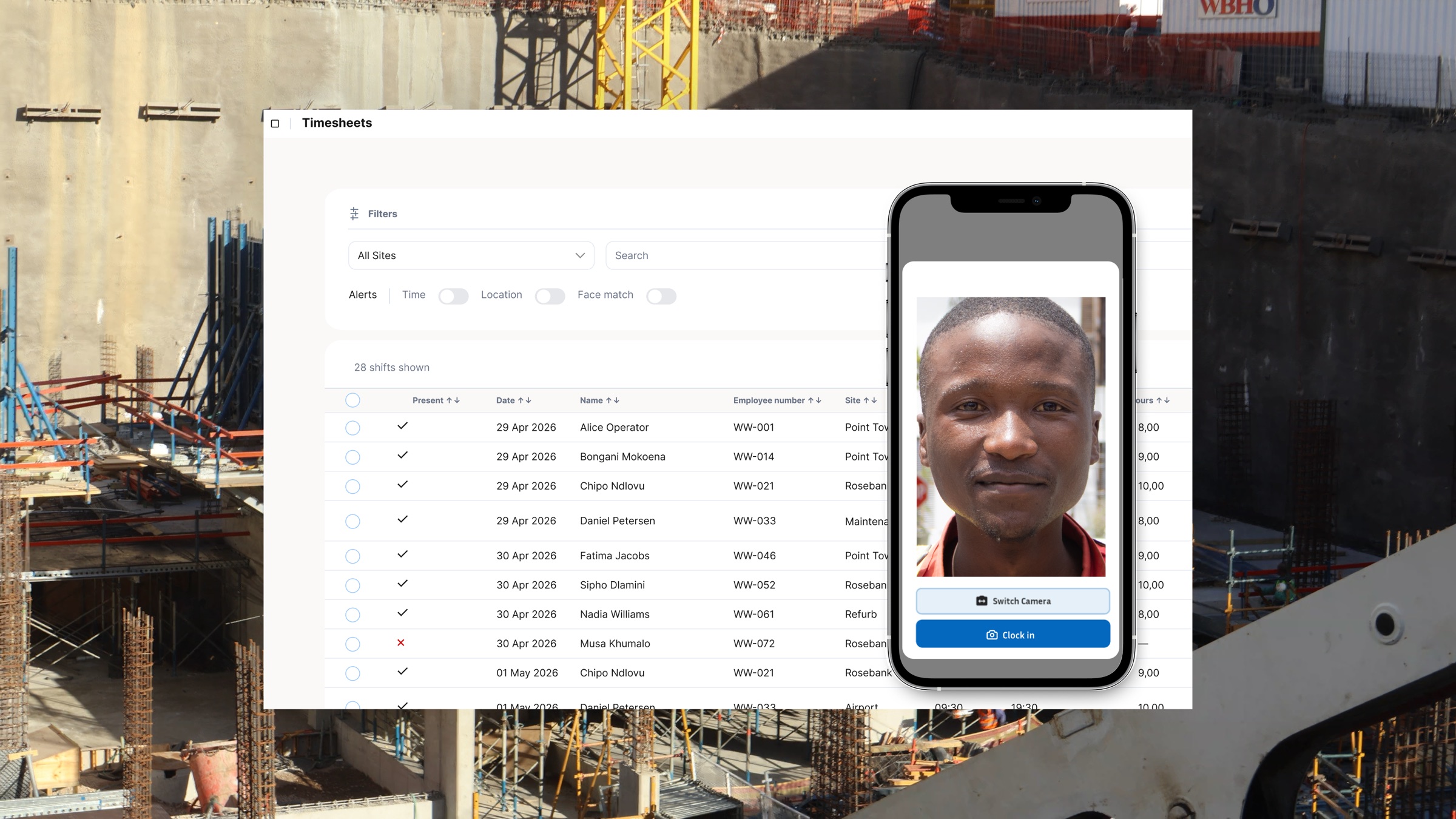
Payroll consultants are often judged by the final payslip, even when the underlying hours arrive late, incomplete, or in several different formats. For hourly wage clients, the quality of the payroll run depends on the quality of the time record that reaches the consultant. A verified employee clocking system gives both the client and the payroll team a clearer starting point: a consistent record of clock-ins, clock-outs, and hours that can be reviewed before the payroll file is prepared.
From Friday Scramble to a Repeatable Payroll Process
The familiar end-of-week rush starts with paper timesheets, WhatsApp messages, or a spreadsheet maintained by a site supervisor. Someone totals the hours, someone else tries to identify overtime, and the consultant receives a file that may not match the names or pay categories in the payroll system. The work is not simply administrative. Every correction creates a decision that needs to be checked, explained, and approved.
A digital clocking process moves that work earlier. Employees record attendance at the source, managers review exceptions while the week is still in progress, and payroll receives a structured export after approval. That does not remove the need for professional payroll review. It does reduce the amount of reconstruction required before that review can begin.
Better Source Data Means Fewer Manual Corrections
For consultants, the practical benefit is traceability. A good attendance record shows the time of the event, the worker profile it belongs to, and the relevant site or job context. Where a client uses location or identity checks, those signals can help managers investigate unusual entries before they are turned into paid hours. The consultant is then working from an approved record instead of interpreting a handwritten total after the fact.
This is especially useful for businesses with crews moving between sites. A single weekly total may be enough to calculate wages, but it does not tell the client where labour was allocated or which supervisor should confirm an exception. Project and site tags make it easier to take the right question back to the right person without delaying the whole payroll run.
What a Payroll-Ready Attendance Export Should Include
The exact import format depends on the payroll product and the client's pay rules, but the source data should be clear enough to review without re-keying every line. Look for employee identifiers that match the payroll system, approved normal and overtime hours, the pay period, and an exception history that a manager can explain. Where clients need site or project reporting, retain that information alongside the payroll total rather than treating it as a separate spreadsheet exercise.
A payroll-ready export is not a promise that every result is automatically correct. It is a cleaner handover: time data from the same system that captured the attendance event, prepared in a consistent format for the consultant's checks and the client's approval process.
A More Valuable Client Conversation
When consultants spend less time chasing missing hours, they can spend more time helping clients improve the process behind payroll. That may mean agreeing who approves exceptions, setting a cut-off time, checking whether workers are assigned to the right sites, or reviewing recurring overtime. These are useful operational conversations because they address the source of payroll friction instead of only cleaning it up at month-end.
For hourly wage employers, a clocking system is most effective when the workflow is simple for workers and supervisors: record attendance, review the exceptions, approve the period, and send the structured data to payroll. Consultants can help clients design that workflow around their existing payroll controls rather than asking the payroll system to fix poor source records.
Choosing a System for Payroll Clients
- A clear approval process so payroll receives reviewed hours rather than raw clock events.
- Employee and site identifiers that can be matched to the payroll workflow.
- Offline support for teams that work where connectivity is unreliable.
- Location and identity verification options that help the client review unusual entries.
- Exports that reduce re-keying while leaving the consultant in control of the final payroll review.
WorkWeek gives field teams a practical way to capture and approve time before payroll begins. Book a demo to see how verified clocking records can support a cleaner hourly wage payroll workflow for your clients.