SARS EMP501 validation is unforgiving when employee tax details are incomplete. Construction payroll teams feel this more than most because seasonal, casual, and short-term workers cycle through sites quickly. A missing or incorrect Income Tax Reference Number can delay IRP5 processing, trigger correction work, and put the May 31 reconciliation deadline under pressure. The time to run a clean audit is now, before payroll is already at the filing gate.
What SARS Is Rejecting and Why There Is Little Room for Delay
The EMP501 reconciliation requires an IRP5 or IT3(a) certificate for every employee who received remuneration during the tax year. Each certificate must carry correct employee identity and tax reference information. When SARS validates a submission, it checks whether the employee details match what SARS has on record. If the number is missing, incorrectly formatted, or assigned to a different taxpayer, the affected certificate can fail validation.
The result is practical, not theoretical. The employer must retrieve or register the correct number, update the affected employee records, resubmit the affected certificates, and wait for revalidation. That adds days or weeks to a process with a hard deadline.
Construction businesses carry a specific structural disadvantage here. Their workforces change faster than office-based employers: a civils contractor might onboard 40 labourers for a six-week bridge footing and never see them again after the pour. If the site foreman did not capture a tax number at onboarding because the worker had no documentation on him, that gap becomes a year-end payroll problem.
Construction's Temporary Worker Problem and What It Costs You
For a construction business relying on day-rate workers, subcontract labour, or programme-based seasonal crews, the probability of tax-number gaps in your payroll file is high. The pattern is predictable: a worker joins mid-project, gets onboarded on a paper form, and starts clocking in the next morning. The site foreman captures a name, an ID number, and a phone number. The TRN field gets left blank with the intention of filling it in later.
In practice, later becomes payroll submission time, and by then the worker has moved on to another site. Administrative penalties and correction cycles can follow if the employer cannot resolve the missing record in time. The true cost is not only a penalty line. It is the time your payroll team spends chasing people who should have been verified before their first paid shift.
The calculation gets worse when you consider that each reconciliation period creates its own record-keeping duty. A worker who appeared in your payroll for two consecutive tax years without complete tax details creates two separate clean-up exercises. Labour law South Africa and SARS record-keeping obligations meet at the same point: complete worker records, captured early, and matched to payroll before filing.
A common misunderstanding is that workers who fall below the income tax threshold do not need a TRN. That assumption creates risk. Payroll officers should treat complete tax reference details as part of the employee record even where PAYE deducted is low or nil.
Workers registered under mismatched details are a separate category of risk. In construction, it is common for a worker who has changed employers several times to have been registered with slightly different ID details across payroll records. SARS cross-references identity details against its database, so a single-digit ID mismatch or a name spelled differently to the ID document can cause a record to fail validation.
Your Step-by-Step TRN Audit Checklist Before May 31
- Pull every active and inactive employee record for the current tax year. Include permanent staff, fixed-term contracts, casual day-workers, and project-based hires. Do not limit the list to current employees.
- Flag every record with a blank, placeholder, short, or non-standard TRN field. Export this flagged list separately before you do anything else.
- Cross-check ID numbers against tax reference numbers where both fields are populated. A mismatch can fail even though a number is present.
- For current employees with missing TRNs, use SARS eFiling or your tax practitioner process to retrieve or register the correct number.
- For former employees with missing TRNs, attempt contact and document every attempt. Date-stamp every call, SMS, WhatsApp message, and email.
- Update your onboarding process before your next hire. A TRN captured at onboarding costs less than one chased at year-end.
One common mistake that surfaces during audits like this is mismatched employee names across systems, where the same worker is listed one way in payroll and another way in the attendance system. These discrepancies do not stop a clock-in, but they do slow down SARS validation when the certificate name must match the SARS register.
How Your Clocking System Connects to Payroll Compliance
The link between an attendance management system and SARS compliance is direct. Every person who clocks in on your site needs an employment record. If someone appears in your clocking data but not in your payroll system, you have a compliance gap, either in PAYE records or in worker classification.
Your time and attendance software export should give you a complete list of workers by date range. Map that list against your payroll employee register. Any name present in clocking but missing from payroll, or vice versa, needs investigation before you file.
This cross-reference also catches a second category of risk: ghost employee entries, where someone appears in payroll but has no attendance record for certain periods. Ghost hours and buddy punching inflate your wage bill and your EMP501 submission simultaneously. Catching them at pre-submission audit means you correct both the payroll exposure and the SARS submission in one pass.
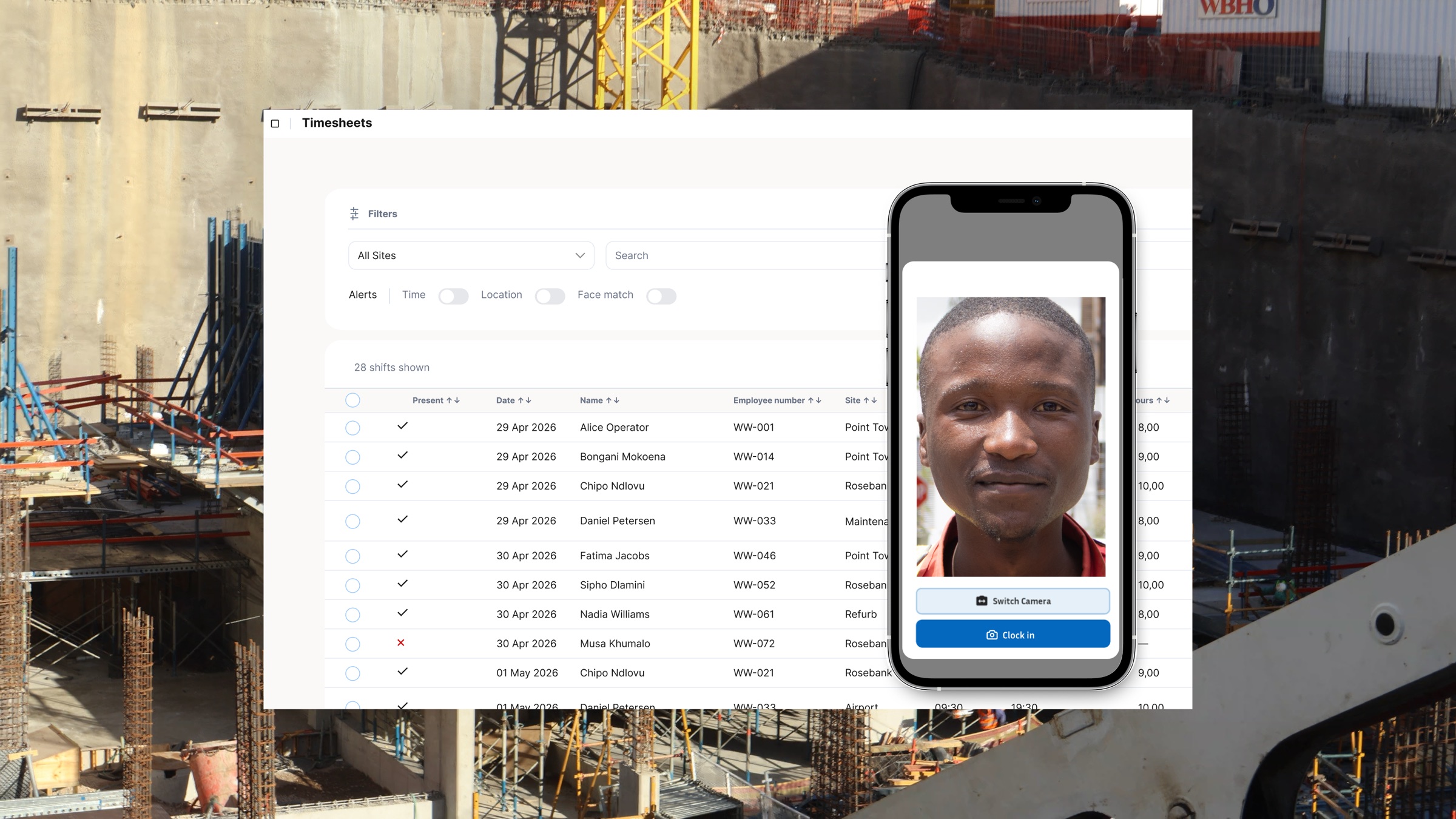
An employee clocking system that captures verified identity at clock-in, not just a PIN or card swipe, gives you a clean link between the person on site and their employment record. That identity layer is what closes the gap between raw attendance data and a compliant EMP501 submission.
What Happens If You Miss the Deadline
SARS does not grant automatic extensions for EMP501 submissions. Missing the May 31 deadline can trigger administrative penalties and months of clean-up across payroll, finance, and HR.
If you are close to the deadline and still have outstanding TRNs, prioritise volume and evidence. Correct the clearest mismatches first and document every attempt to close the gaps before filing.
What the IRP5 Cascade Actually Triggers
An EMP501 rejection is not just a SARS administration problem for your business. When SARS rejects a certificate, that worker's IRP5 data may not populate correctly in their own eFiling profile, so they cannot file their personal income tax return accurately. If they are owed a refund, it can be delayed. If SARS later identifies a discrepancy between what you reported and what the worker declares, both parties can come under scrutiny.
For a construction business with high seasonal worker turnover, the cascade compounds quickly. Rejected certificates mean workers with incomplete tax profiles, some of whom will contact SARS directly and trigger enquiries that lead back to your PAYE number.
Using proper workforce management software that keeps employee records complete from day one reduces this cascade at its source. The problem is not the EMP501 itself; the problem is months of incomplete onboarding that shows up all at once when you try to file.
Construction businesses running high-turnover workforces cannot afford to treat TRN compliance as an annual scramble. The May 31 deadline is fixed, and the audit process above is achievable when the right data is already in front of you. If your clocking system and your payroll register are not mapped to each other right now, that is the first thing to fix. WorkWeek keeps verified attendance data aligned with payroll-ready exports, surfaces employee records with missing information before submission time, and keeps your workforce data accurate from first clock-in to final IRP5. Book a demo and see how it works for a construction workforce like yours.