Run 40 workers on paper timesheets for a year and a conservative estimate puts your overpayment exposure at R80,000 to R100,000. That is not fraud. That is what happens when arrival times are written from memory, a foreman signs off on hours he was not there to witness, and payroll rounds up disputed minutes because no one can prove otherwise. The money does not disappear dramatically. It bleeds out quietly across every pay cycle, and most businesses only notice it when they compare verified hours to what they paid.
Why SA Businesses Are Moving to Digital Clocking Systems
For years, the standard clocking solution for South African businesses was biometric hardware: fingerprint readers mounted at site entrances, connected to a local device that logged arrivals and departures. The system worked reasonably well for fixed-location environments such as offices, warehouses, and processing plants. For construction, it was always an awkward fit.
Biometric readers need power, connectivity, and regular maintenance. Put one on a construction site in the Northern Cape or on a civil engineering project in rural Limpopo, and you have introduced a point of failure that can take days to resolve when something goes wrong. One damaged reader, one power outage, or one firmware update that corrupts the database can push your entire clocking record back to paper. That is not hypothetical. It is a pattern that repeats across South African construction businesses every month.
The shift toward phone-based employee clocking systems did not happen because of a trend. It happened because businesses got tired of hardware problems. A smartphone already lives in most workers' pockets, and running attendance capture through that device removes the hardware dependency entirely. No fingerprint reader to calibrate, no device to replace when it gets dropped on site, and no commissioning delay when you mobilise to a new location.
Connectivity remains a genuine challenge. Sites across the Northern Cape, Limpopo, and parts of KwaZulu-Natal regularly deal with poor or absent mobile signal. A clocking system that requires constant internet access fails in exactly those conditions. Better phone-based systems handle this with offline mode: records are written locally and sync when connectivity returns, so the time data stays intact and the foreman does not need to guess what to do when signal drops.
What to Look For in a Clocking System for South Africa
This is where most purchasing decisions go wrong. Businesses buy a system based on price or a feature list, then discover it does not fit how their sites actually operate. These are the questions worth asking before committing to any system.
Will it work on a remote site without signal? Offline capability is not optional for South African construction. Ask any vendor directly: does the app record attendance locally when there is no internet, and does it sync automatically when signal returns? If the answer is vague, the system will let you down on your most remote projects. This is non-negotiable.
Will my workers need to use their own data? Data costs are a real barrier for field workers earning close to the national minimum wage. A clocking app that burns through a worker's personal data bundle creates friction immediately and erodes adoption. Better solutions use zero-rated data, meaning the app functions without drawing from the user's own data allocation. Data-free time tracking removes this problem entirely and eliminates one of the most common reasons workers resist digital clocking.
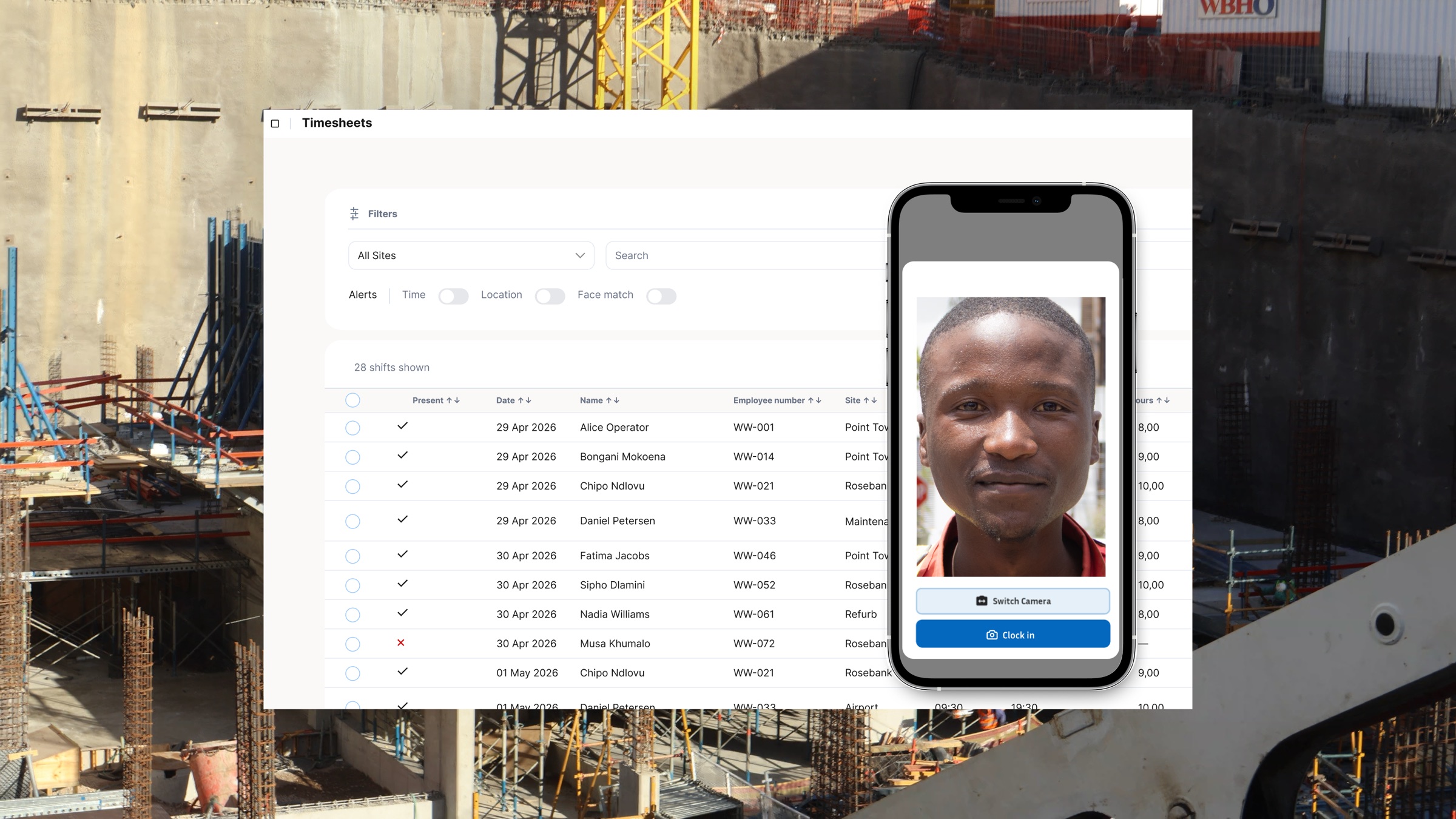
How does it prevent buddy punching? Buddy punching, where one worker clocks in on behalf of a colleague who has not arrived yet, is one of the most consistent sources of payroll inflation on construction sites. It happens in offices too, but on a site with 40 workers and a single foreman managing a spread-out area, it is far easier to get away with. The solution is identity verification at the moment of clocking: selfie-based clock-in, where the worker takes a photo that the system matches against a stored profile, confirms the right person is present. Without this, a digital clocking system is only a faster version of the paper problem.
Does it verify the worker is actually on site? GPS verification answers this question. When a worker clocks in, the system records their location and checks it against the geofenced boundary of the site. Workers clocking in from a nearby taxi rank, a cafe down the road, or from home entirely are flagged automatically. For businesses running multiple sites simultaneously, this location visibility changes the accuracy picture significantly. The mechanics of GPS clock-in verification are worth understanding before you buy, because not all systems implement it in ways that hold up to scrutiny.
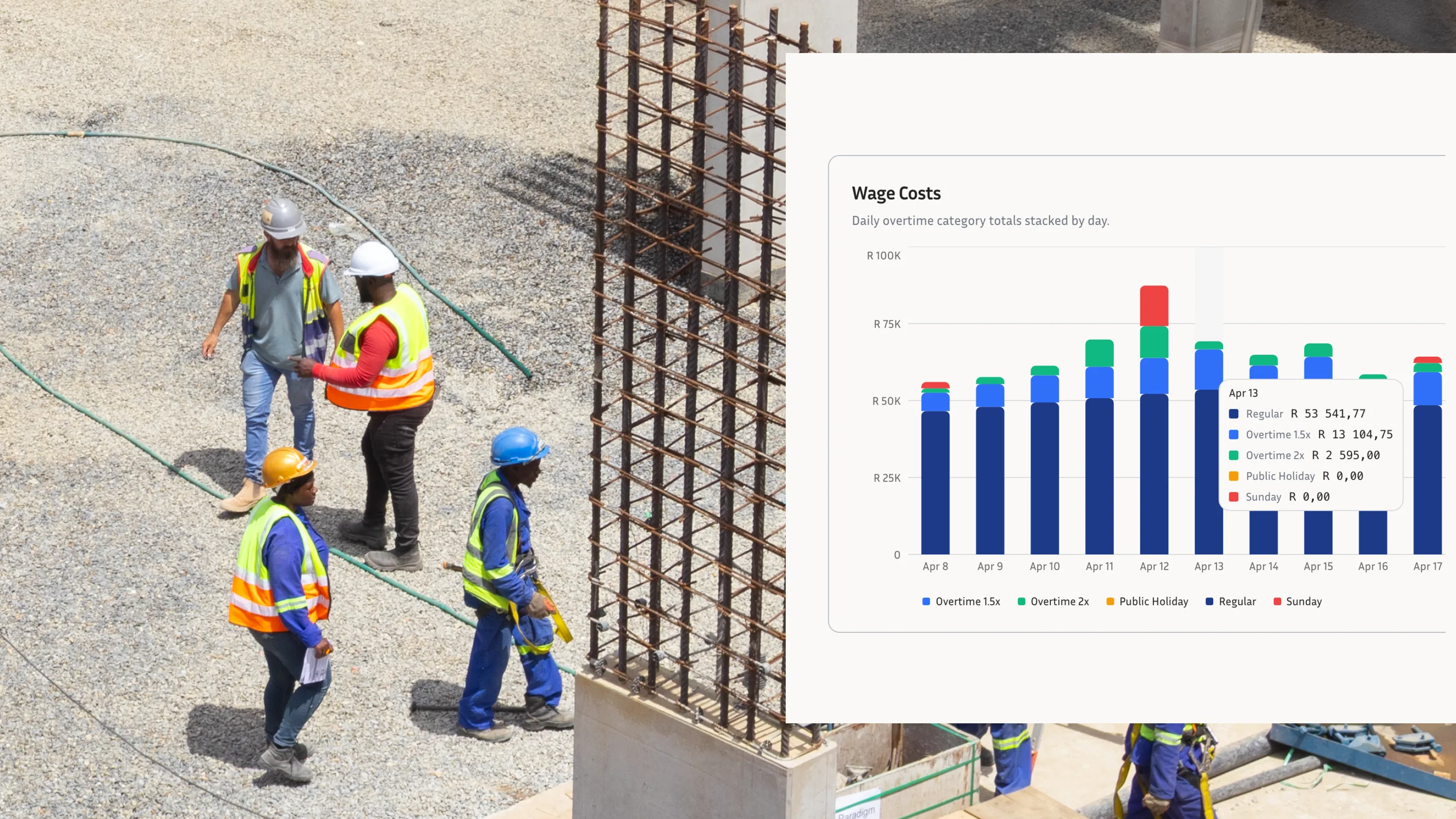
Does it prepare clean records for your payroll software? Manual data transfer from a clocking system to payroll is where errors multiply. A site administrator exports hours, pastes them into a spreadsheet, adjusts for overtime manually, and hands the file to payroll. Every step introduces the possibility of a mistake, and a payroll-ready export workflow for South African payroll tools like SimplePay or Sage reduces those steps without overstating the integration layer. The hours are ready for payroll review from verified records, with overtime calculated against the correct BCEA thresholds.
Does it generate BCEA-compliant records automatically? Under the Basic Conditions of Employment Act, employers must keep time and attendance records for a minimum of three years. Those records need to be accurate, retrievable, and tied to a specific worker. A clocking system that creates an automatic audit trail with every clock-in and clock-out satisfies this requirement without any additional admin step. Businesses with solid BCEA time and attendance records are in a significantly stronger position during a CCMA dispute or a Department of Labour inspection than those relying on foreman memory and paper sign-off sheets that may be incomplete or illegible.
Biometric vs Phone-Based Clocking: Which Is Right for Your Site?
Biometric hardware is not a poor product. Fingerprint readers have served South African offices and warehouses reliably for years. If your business operates from a single fixed location with stable power, consistent internet, and a controlled entry point, a biometric system may be perfectly adequate. The hardware is familiar to HR teams, the audit trail is clean, and the market has well-established local providers.
The case for phone-based clocking gets stronger the moment your operation involves multiple sites, field workers, or locations without guaranteed power and connectivity.
Biometric hardware requires physical installation at every site. A new project means new equipment and a commissioning process before you can start recording attendance. Phone-based systems are active the moment a site supervisor opens an app. There is no hardware to install and no device to lose to theft or the general abuse that construction environments inflict on equipment.
Hardware readers also fail in ways that are difficult to manage remotely. Fingerprint sensors degrade in dusty, wet, or high-traffic conditions. When a reader goes down on a Friday afternoon in a remote location, the clocking record goes with it until someone can get there to fix it. Phone-based systems distribute the risk across multiple devices, and a replacement device can be set up in minutes rather than days.
For businesses running multiple concurrent sites, the total cost comparison is significant. One biometric reader per site, plus maintenance contracts, plus the downtime cost when devices fail, adds up quickly. A detailed comparison of biometric hardware and app-based clocking for construction-specific scenarios is worth reading if you are currently using hardware and evaluating whether to continue.
What the Best Clocking Systems for SA Businesses Have in Common
The clocking systems that work for South African construction businesses share a short list of characteristics, regardless of which product you end up choosing.
They work offline and do not require workers to use their own data. They verify worker identity at the point of clocking, not just the presence of a device. They record GPS coordinates against a defined site boundary and produce payroll-ready exports for South African payroll software without spreadsheet re-entry. They also generate BCEA-compliant records automatically, without any additional admin burden on your team.
This is the standard that a purpose-built clocking system for construction sites needs to meet. Generic time tracking tools built for office teams or international markets miss most of this list. They assume stable internet, they charge data costs to users, and they do not calculate overtime against South African labour law thresholds.
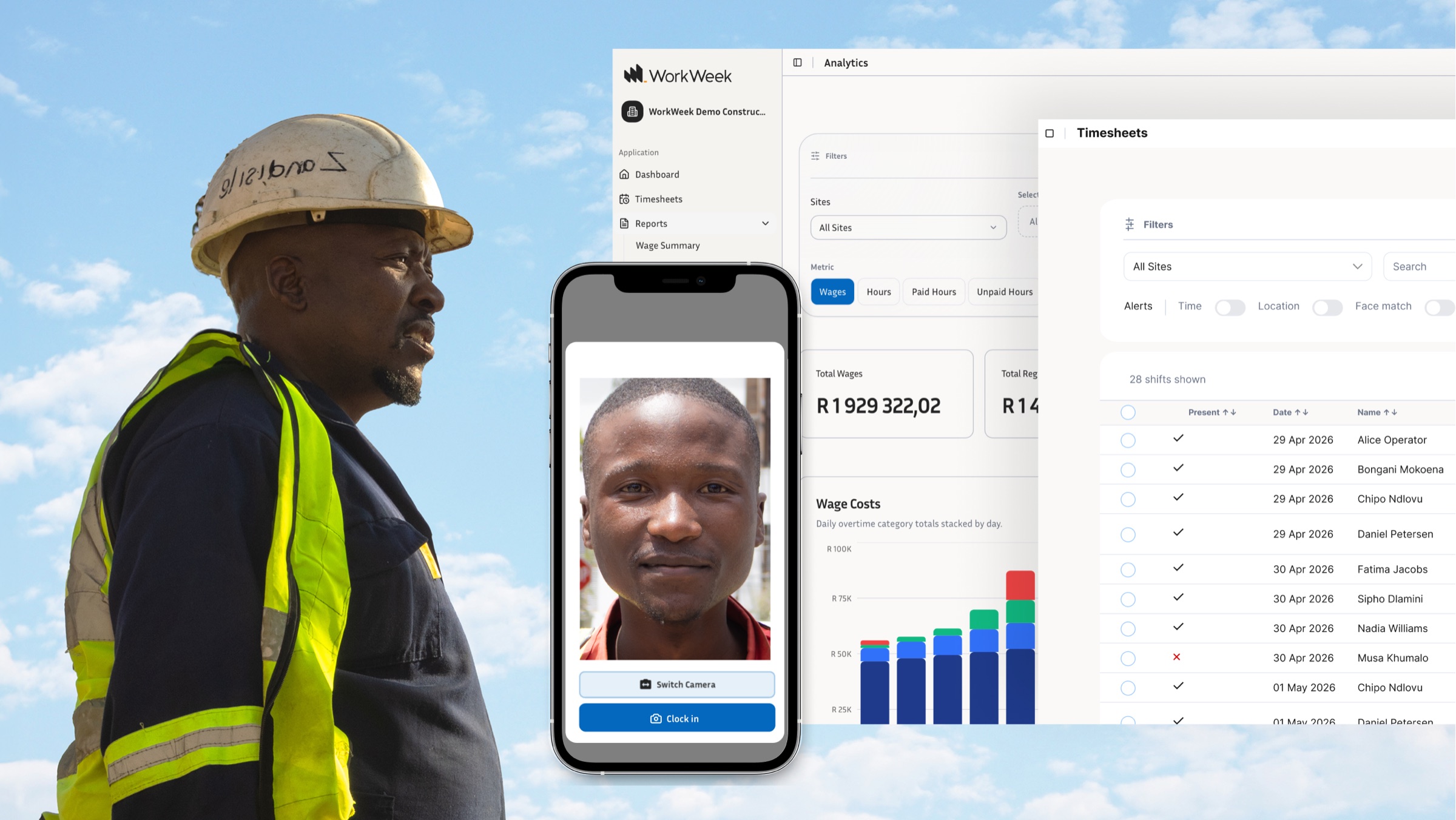
WorkWeek is built specifically for field-based South African businesses. The system runs on a foreman's tablet or a shared device at the site gate, records attendance with selfie verification and GPS confirmation, operates without internet when signal is unavailable, and produces payroll-ready exports for SimplePay and Sage workflows. It runs on zero-rated data, which means data costs are never the reason a site does not adopt it.
Frequently Asked Questions
What is a clocking system? A clocking system records when employees start and finish work. Traditional systems used punch cards or fingerprint readers. Modern systems use smartphone apps or tablets, with photo verification and GPS confirmation to record the right person clocking in from the right location. That record feeds into payroll to calculate wages, overtime, and leave accurately.
What is the best clocking system for South Africa? For construction and labour-intensive businesses, the right system works offline, uses zero-rated data, verifies worker identity at clock-in, confirms site location via GPS, and creates payroll-ready exports for South African payroll tools like SimplePay or Sage. WorkWeek is designed to meet all of these criteria, built for South African field conditions rather than adapted from a product designed for desk-based teams.
Do I need a biometric clocking system, or will a phone app work? It depends on your operation. Biometric hardware works well for fixed offices and warehouses with stable power and controlled entry points. For multi-site construction operations, phone-based clocking is more practical: no hardware to install per site, no reader to maintain, and no single point of failure. The critical requirement for a phone-based system is identity verification at clock-in using selfie matching, so you get the same accuracy benefit without the hardware dependency.
Does a clocking system help with BCEA compliance? Yes. The BCEA requires employers to keep time and attendance records for at least three years. A digital clocking system generates an automatic audit trail with every clock-in and clock-out, timestamped and linked to a verified worker identity. That record is accurate and retrievable, which matters when you face a CCMA dispute, a wage complaint, or a Department of Labour inspection.
If you are comparing clocking systems for your South African construction business, the criteria above give you a practical framework. WorkWeek is built to meet every point on that list, for field operations that do not fit the assumptions most time tracking tools make. See how WorkWeek works and decide whether it fits your sites.