Employee Authentication
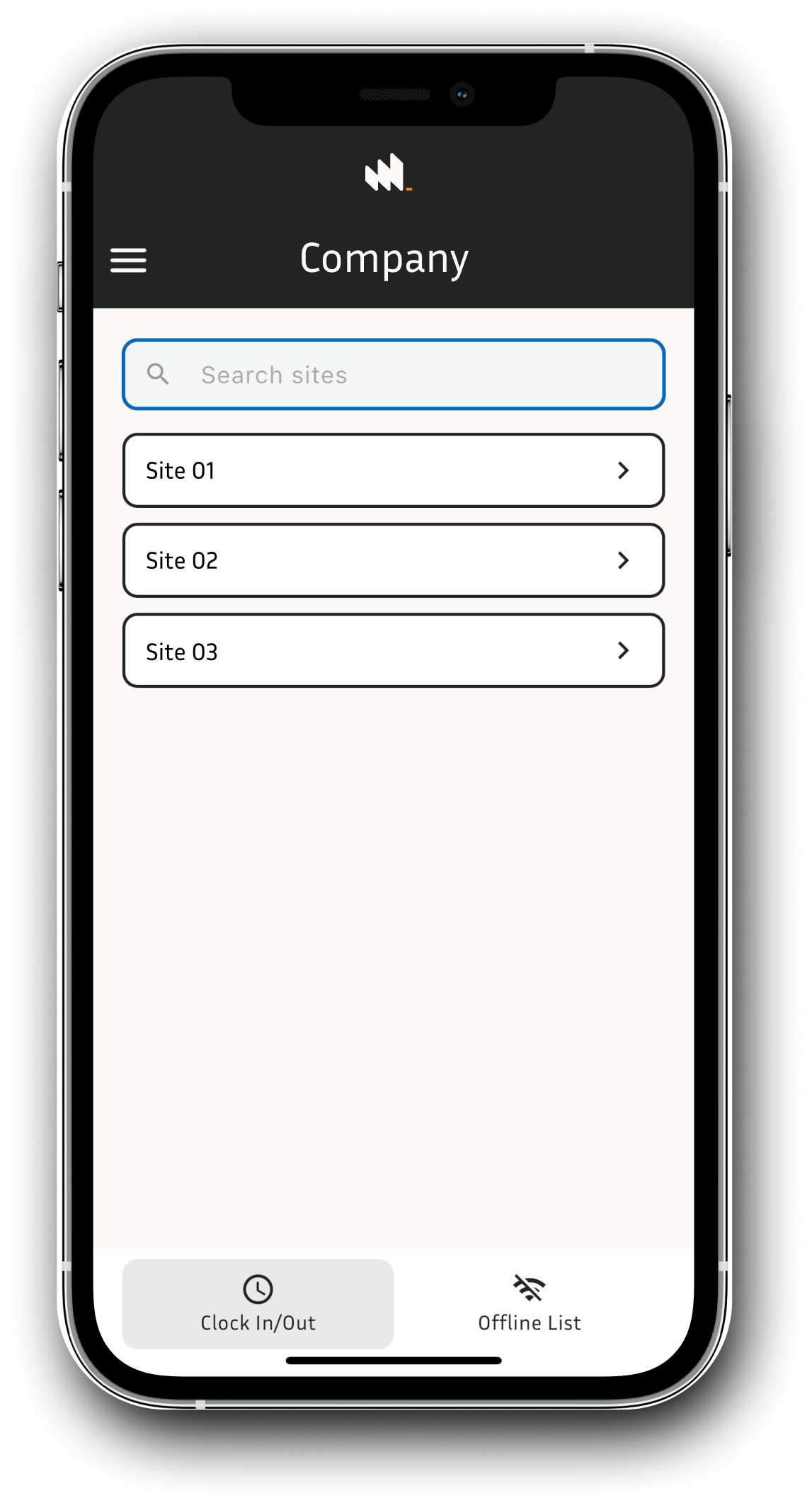
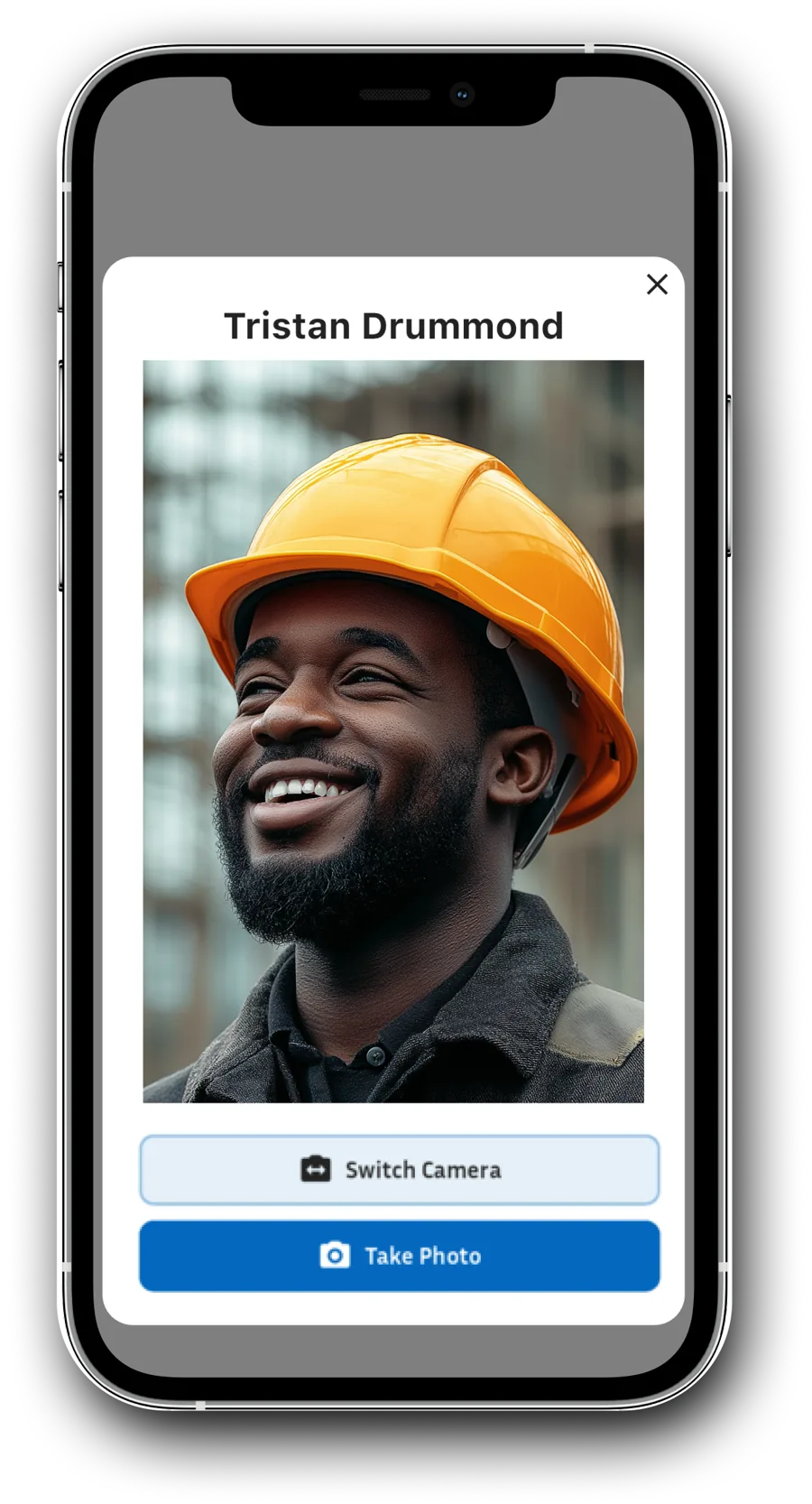
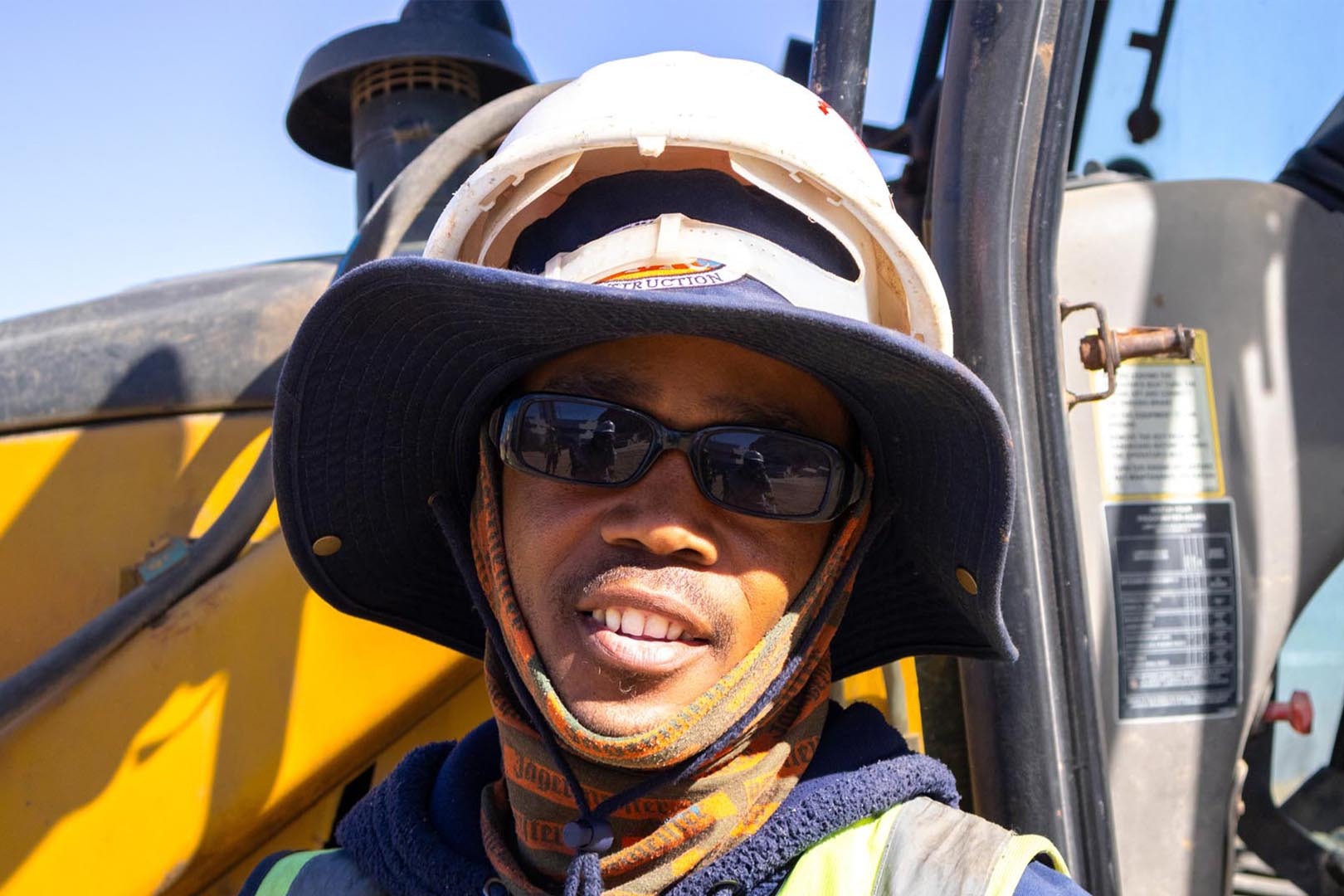
We verify every employee with a photo that is geo tagged to the site they are working on. This ensures the person is clocking in at the correct location. All clock ins are time stamped, and the photos are matched to each employee's profile on the admin dashboard so managers can confirm it is the right person.
Authentication features
Clock-ins
Employees can clock in and out seamlessly, even without an internet connection. Data syncs automatically once online — no lost time records.
Face ID Verification
Enhance accountability with quick, selfie-based clock-ins for remote and on-site teams. Prevents buddy punching and ensures the right person is on site.
Time Stamps
Ensure accurate attendance with geo-tagged, time-stamped employee photos during clock-ins and outs. Every entry is audit-ready.
Know who is on site
WorkWeek gives you clear visibility across every project. Whether you are running one site or many remote sites at once, you can verify exactly who is present and where they are meant to be.



Simple, team-based clock-ins
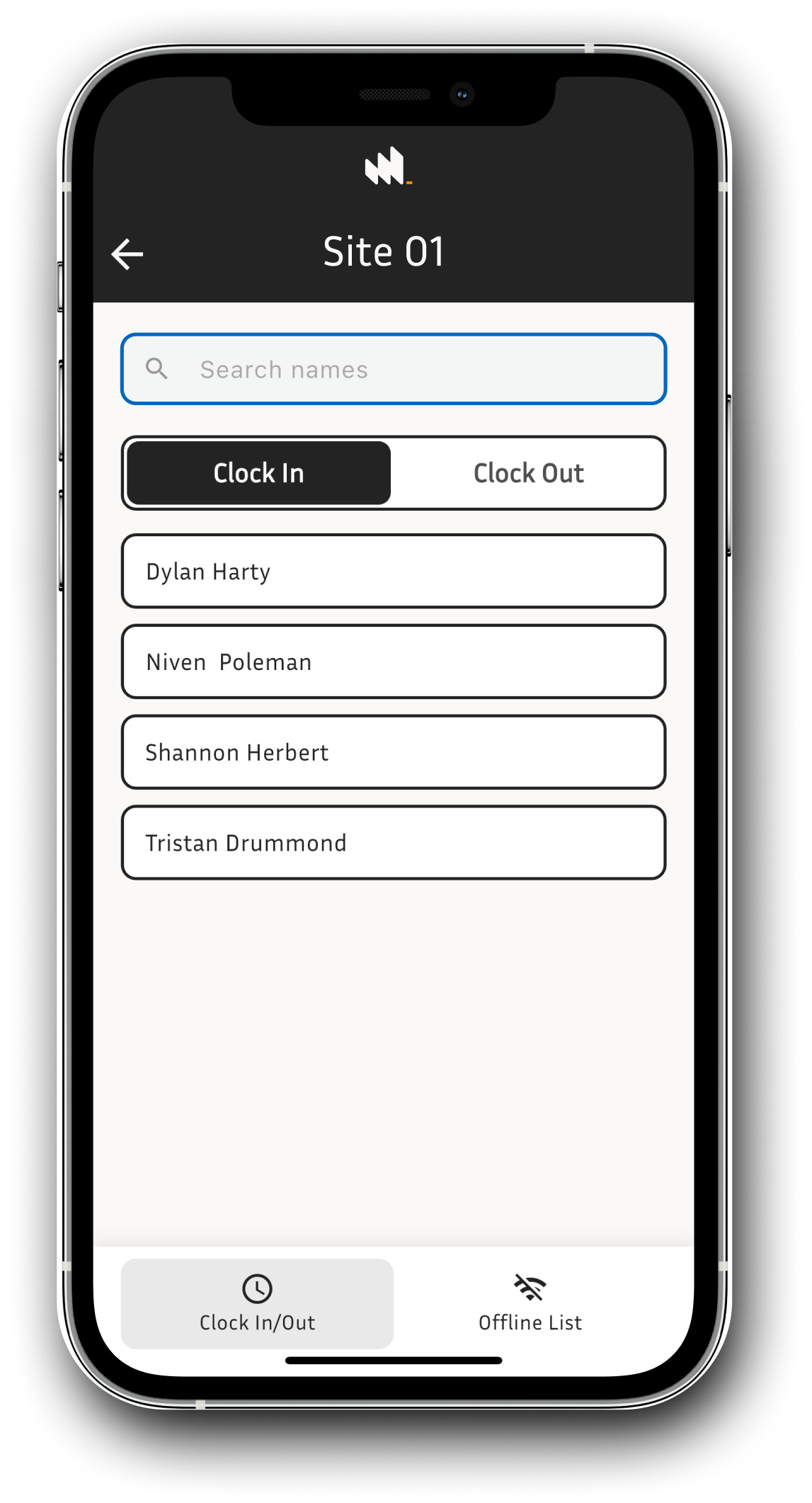
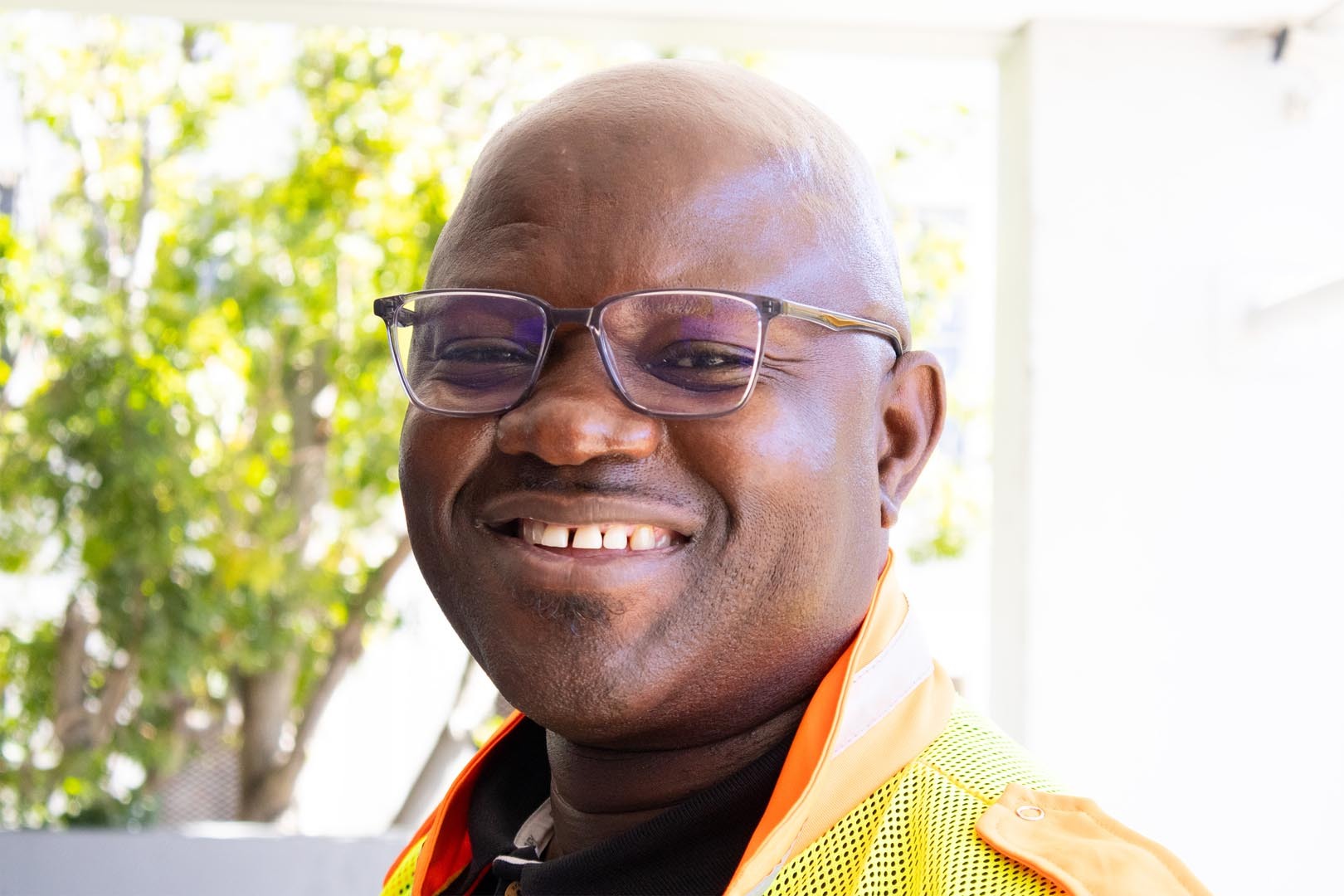
Clocking in shouldn't slow work down. With WorkWeek, one mobile device can record an entire team's time, making it quick and effortless for supervisors on site.